
Autoscroll
Scroll a long page toward the bottom without holding the wheel.
This is the page I send to people I know. Try it on a page you would actually read, then tell me what broke or felt odd before I share it more widely.
How to use it
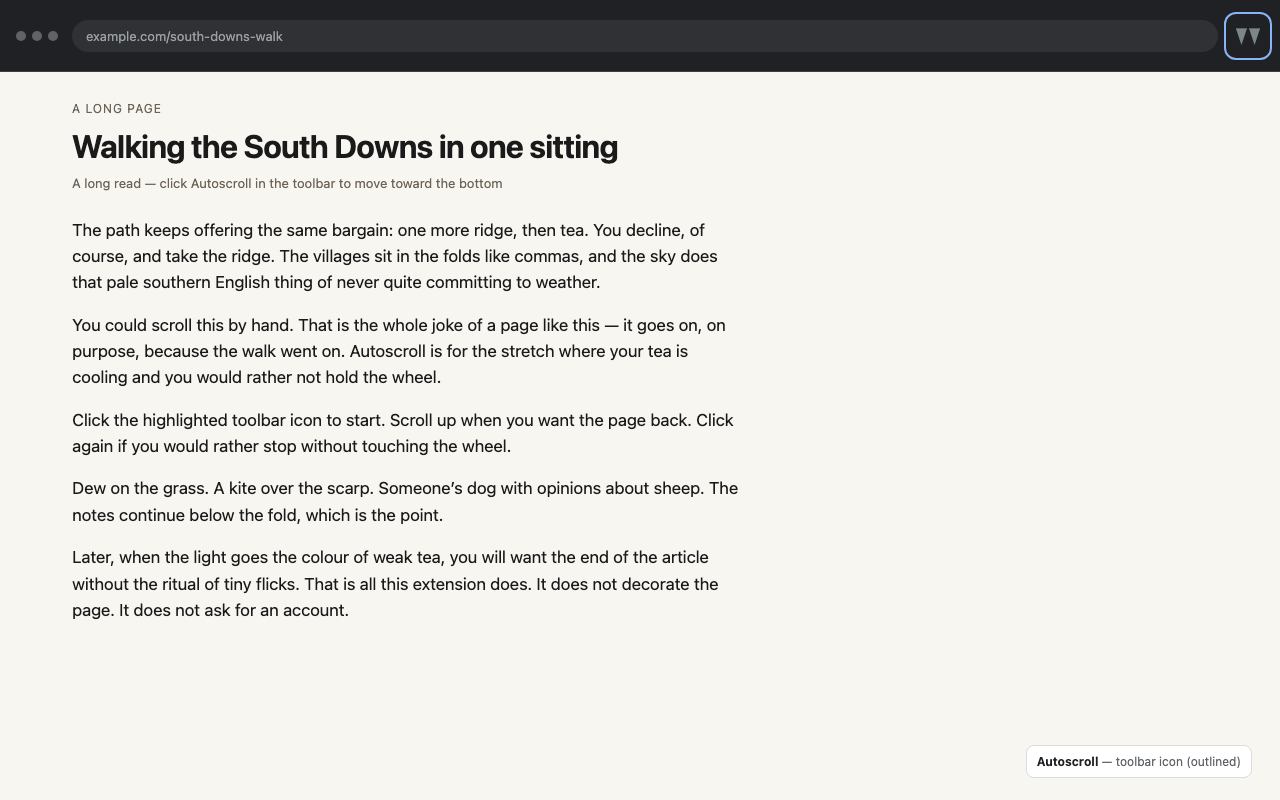
- Click the Autoscroll icon in the toolbar to start
- Click again to stop
- Scroll up (mouse wheel or trackpad) to stop
It only affects the tab you click on. There is no popup and no overlay on the page.
Restricted Chrome pages (such as chrome:// or the Chrome Web Store) cannot be scripted, so the icon does nothing there.
What to look for
- Does it start and stop reliably on a long article?
- Does scrolling up always stop it?
- Does it stay on the tab you clicked, and leave other tabs alone?
- Anything confusing, too fast, or missing?
Privacy policy
Autoscroll is a browser extension that scrolls the current web page toward the bottom when you click its toolbar icon. This policy explains what the extension does with your data.
What we collect
We do not collect, store, or transmit your personal data to any server operated by the extension developer. The extension runs in your browser. There is no developer-operated backend, analytics, advertising, or tracking.
What happens in your browser
- When you click the toolbar icon, the extension injects a small script into that tab so the page can scroll down.
- The script does not send page content anywhere. It only calls the window’s scroll APIs and listens for an upward scroll so it can stop.
- Nothing is saved in Chrome storage. Stopping or leaving the page clears the in-page timer.
Permissions
- activeTab — use only the tab whose toolbar icon you just clicked.
- scripting — inject the scroller into that tab.
The extension does not request access to all websites in advance, and it does not request the tabs permission.
Third parties
None. The developer does not send data to third parties. Chrome itself may apply its own policies to extension installation and updates from the Chrome Web Store.
Data retention
There is no developer-held copy of your browsing. Uninstalling the extension removes it from Chrome.
Children
This extension is not directed at children under 13.
Changes
We may update this policy. The “Last updated” date above will change when we do.
Contact
Questions: Feedback