
File-based Bug Management
In 'Using things for other things Jon Hicks outlines little sort of hacks which involve using products in new ways, which inspired me to write this.
Having tried and failed with monolithic more fully featured bug tracking systems such as Mantis Mantis and Bugzilla I now employ an simpler method for keeping track of issues across multiple projects.
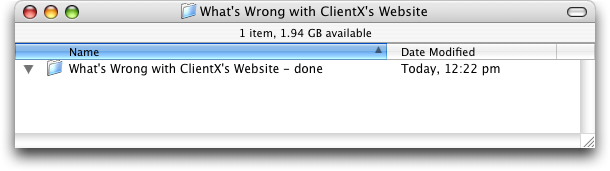
At the beginning of each new project I create a folder (in a shared, backed-up drive) called 'What's Wrong with [project name]' and a subfolder with ' - done' appended to it like this:
Then later, when reviewing a half done site, I start adding files (like this)
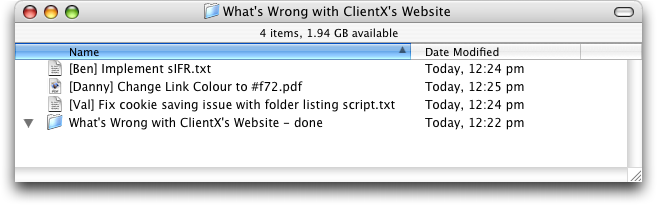
This way each member of the team (myself included) has a constant view of what they need to do. Since these are just files ion the file system they can easily be searched, for example a team member could search for [their name] and instantly get a holistic or per-project view of their tasks.
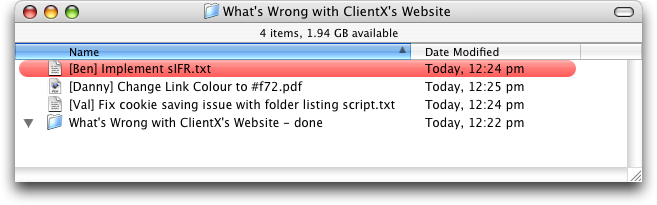
Since the finder allows labeling of files, some idea of the priority of a task can be given (although unfortunately Windows users will not be able to make this distinction):
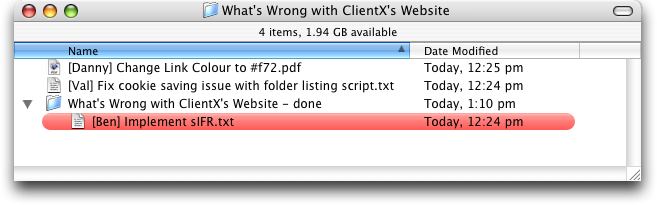
As each task is completed the files are moved into the 'done' subfoloder thusly:
I use descriptive filenames and for the most part I use screenshots of the bugs - I find that this combination (for me atleast) is a great way of returning to the mental space I was in when I recorded the problem.
Organizing all these Project Folders
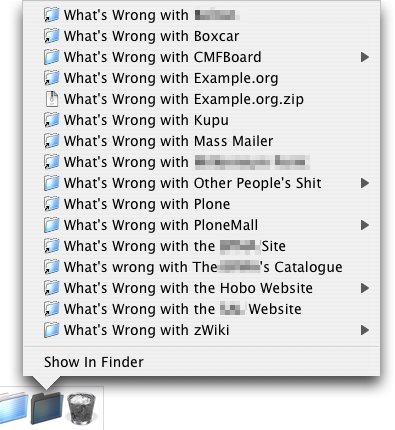
Like many web developers we have a main 'Work' drive which is divided up into projects, eachg containing a set of (mostly) standard folders, this is where I keep these 'What's Wrong with…' folders. I keep a 'What's Wrong with Current Projects' folder in my dock like this:
Future of File-based Bug Management
In future it might be best to do away with the 'done' folders instead relying on filename tagging (i.e. adding [done] at the end of the filename).
Also, when operating systems have better RSS support we might be able to do away with folder views altogether and instead rely on feed aggregators like Google Reader.
Maybe Microsoft will realize thew value screenshots and simplify the PSSPAPPFSO (Print Screen, click Start>Programs>Accessories>Paint>, paste, File>Save, OK) technique. Which is such a distracting and highly GOMS inefficient task that Windows users prefer not to use it. But then again if we want to keep our lives simple maybe we shouldn't be looking to Microsoft for help.